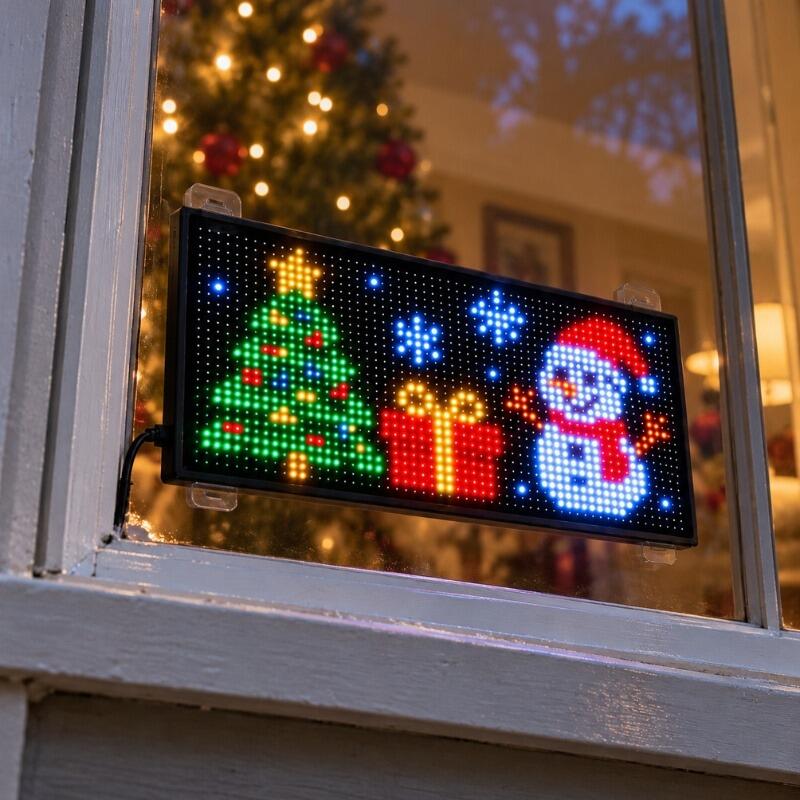


Smart Christmas LED Pixel Display, Car Window LED Display
Feature
🎄 Colorful Christmas Animations Bring Holiday Magic to Any Space
〰️ Flexible LED Panel Conforms to Gently Curved Surfaces
🎨 App & Remote Control: DIY Text, Images & Animations, Your Way
📏 Five Sizes for Different Display Needs
🪟 Add Holiday Cheer to Car, Home & Storefront Windows


Specification
Material: PVC
Control: Smartphone App & Remote Control
Power Source: USB Powered
- 16 × 32 Pixels | 512 LEDs
Product Weight: 0.52 lbs (0.238 kg)
Product Dimensions: 2.76 × 6.81 in (7 × 17.3 cm)
Package Dimensions: 3.54 × 3.54 × 4.33 in (9 × 9 × 11 cm) - 16 × 64 Pixels | 1,024 LEDs
Product Weight: 0.68 lbs (0.307 kg)
Product Dimensions: 3.62 × 14.72 in (9.2 × 37.4 cm)
Package Dimensions: 3.54 × 3.54 × 4.33 in (9 × 9 × 11 cm) - 20 × 64 Pixels | 1,280 LEDs
Product Weight: 0.70 lbs (0.317 kg)
Product Dimensions: 4.02 × 13.70 in (10.2 × 34.8 cm)
Package Dimensions: 3.54 × 3.54 × 4.33 in (9 × 9 × 11 cm) - 16 × 96 Pixels | 1,536 LEDs
Product Weight: 0.92 lbs (0.417 kg)
Product Dimensions: 4.72 × 23.43 in (12 × 59.5 cm)
Package Dimensions: 3.94 × 3.94 × 5.12 in (10 × 10 × 13 cm) - 16 × 96 Pixels Plus | 1,536 LEDs
Product Weight: 2.38 lbs (1.08 kg)
Product Dimensions: 7.56 × 35.35 in (19.2 × 89.8 cm)
Package Dimensions: 7.99 × 4.45 × 4.45 in (20.3 × 11.3 × 11.3 cm)
Package
iToolMax Christmas LED Pixel Display × 1
Cable × 1
Remote × 1
User Manual × 1
Why Choose iToolMax?
🚚 Schneller, kostenloser Versand
Kostenloser Versand für alle Artikel an die meisten Standorte im ganzen Land. Die Lieferung dauert in der Regel 4-7 Werktage, sodass Sie sich entspannt zurücklehnen können.
🔙 30 Tage risikofreie Testphase
Probieren Sie es sorgenfrei aus! Volle Rückerstattung innerhalb von 30 Tagen, wenn Sie nicht zufrieden sind.
🔄 1 Jahr Garantie
Wir bieten jedem Kunden, der unsere Produkte kauft, eine einjährige Garantie, damit Sie sie sorgenfrei nutzen können!
🤛 Lebenslanger Kundensupport
Wir sind immer für Sie da. Wenn Sie Fragen oder Bedenken haben, kontaktieren Sie uns gerne unter support@itoolmax.com oder im Online-Chat.
♻️ Sichere Zahlung & geschützte Privatsphäre
Alle Daten sind verschlüsselt. Ihre Informationen werden sicher aufbewahrt. Der Schutz Ihrer Privatsphäre ist uns wichtig!
✅ Von über 200.000 Kunden vertraut
Von echten Nutzern verifiziert – kaufen Sie mit Vertrauen und Leichtigkeit ein.
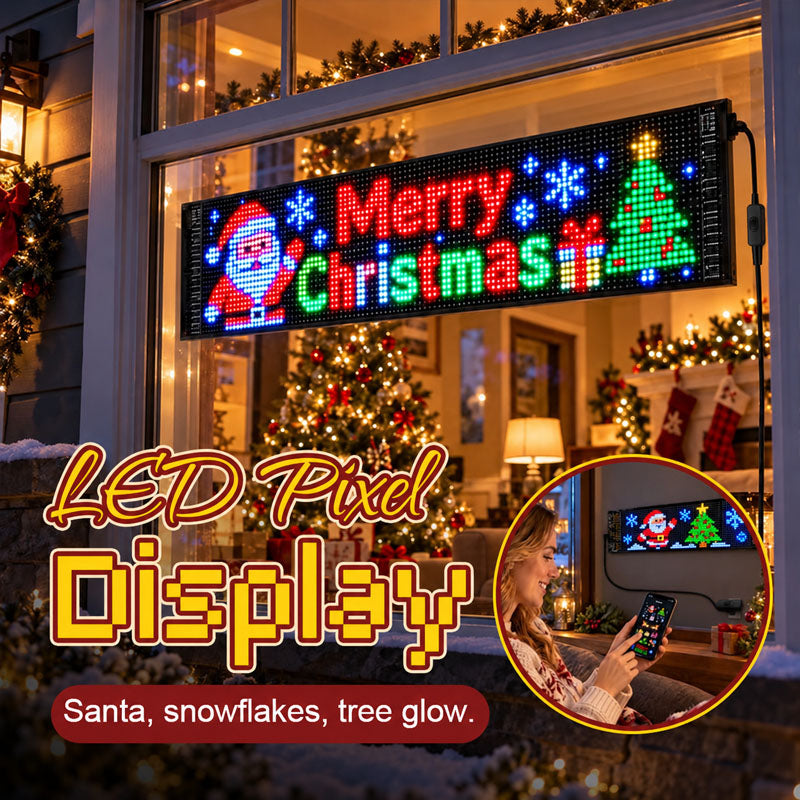
🎄 Make Spirits Bright with Christmas in Motion
Imagine Santa, snowflakes and a Christmas tree lighting up your window as everyone gathers for the evening. 🎅🎄✨
iToolMax Smart Christmas LED Pixel Display turns your window into a lively Christmas scene. More captivating than traditional static lights—giving passersby a reason to stop and enjoy the show.
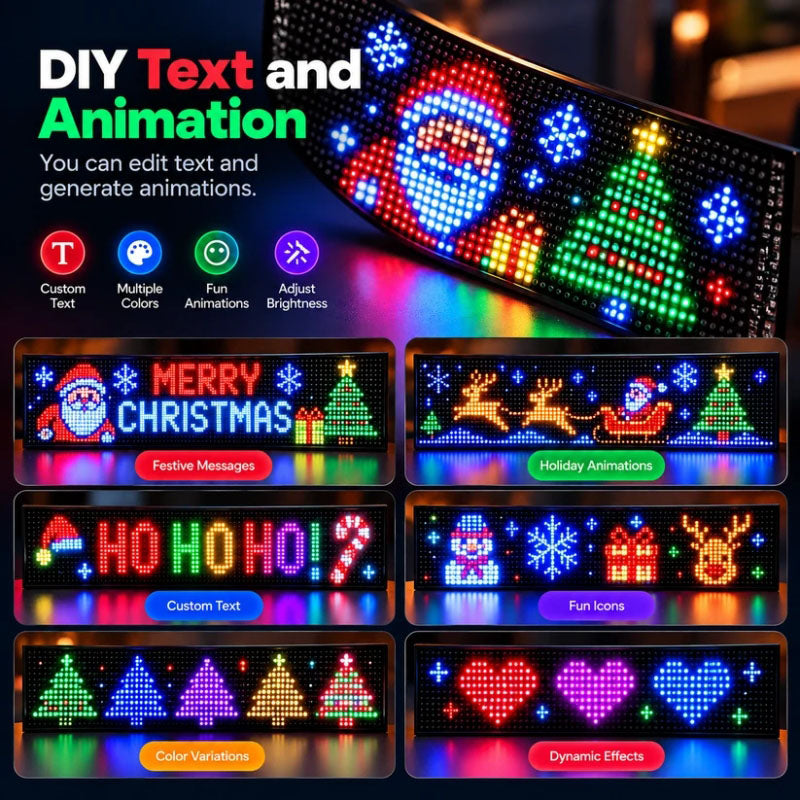
🎨 DIY Your Own Holiday Magic
Choose from 2,000+ designs or use the app to create personalized text, images, and animations. Switch up your display anytime to match Christmas celebrations, holiday parties, or seasonal decorating themes.
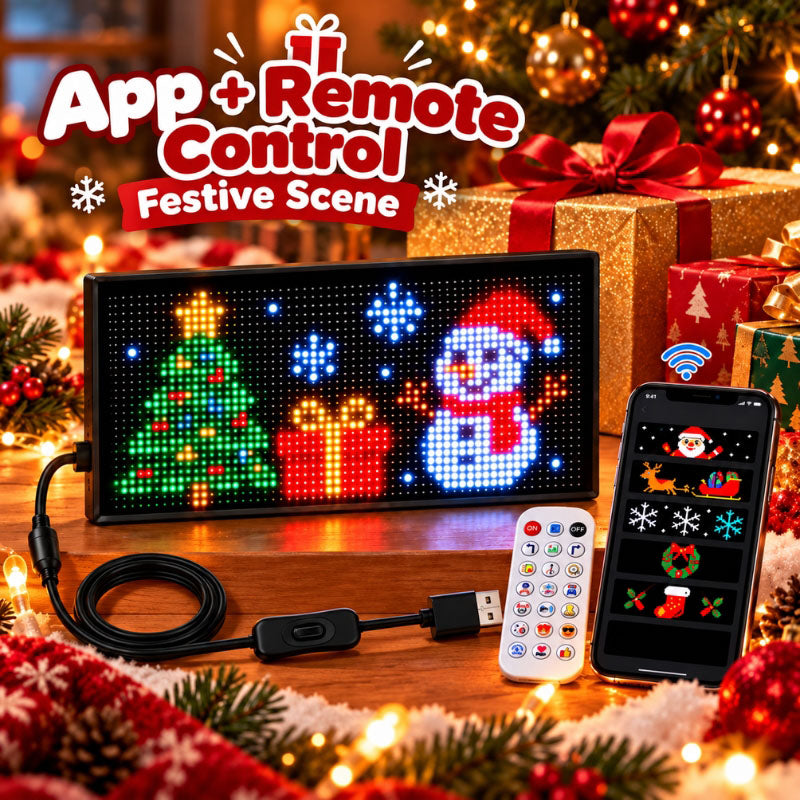
📱 Easy Control: App + Remote
Switch up your Christmas display with the iPixel Color app or remote. Easily change themes, modes, and brightness to match a family gathering, holiday party, or quiet evening at home.
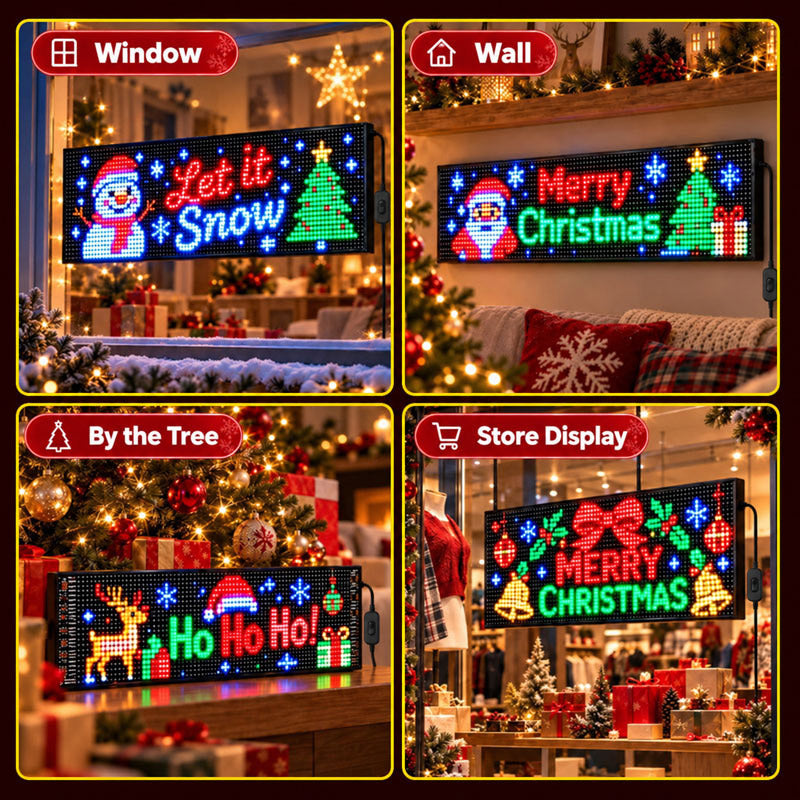
🎉 Christmas Cheer for Every Space
The flexible Christmas LED Pixel Display fits gently curved surfaces, bringing festive animations to your car, home, or shop.
🚗 Car rear windows
🪟 Home windows
📚 Desks and shelves
🎄 Beside the Christmas tree
🖼️ Walls
🏬 Storefront windows
FAQ
Can I create my own designs on the LED pixel display?
Yes! Create custom graphics, animations, and text directly in the iPixel Color app, then display them on iToolMax Christmas LED pixel display.
Does the LED Christmas Light include ready-made designs?
Yes! The iPixel Color app offers thousands of designs and animation effects for iToolMax LED pixel display—perfect for a personalized Christmas decoration.
Will the LED pixel display fit my vehicle?
Yes! iToolMax Christmas LED pixel display conforms to gently curved car windows for a close fit. Choose from five sizes. Measure your window before ordering and keep driver visibility clear.
Is the LED pixel display waterproof?
Yes! iToolMax LED pixel display has an IP65 rating for dust protection and resistance to water jets. Keep USB connections dry and do not submerge these LED decorative lights.
How do I set up the LED pixel display?
Set up your LED pixel display in five steps:
- Secure it inside a compatible rear window using adhesive tape.
- Connect it to USB power and turn it on.
- Enable Bluetooth on your phone.
- Open the iPixel Color app and connect the display.
- Choose a preset design or create your own graphics, animations, and text.